
SmartWeight System
Every withdrawal counts.
Automatically.
Weight becomes inventory insight. From materials on the shop floor to control in Selecore Cloud.
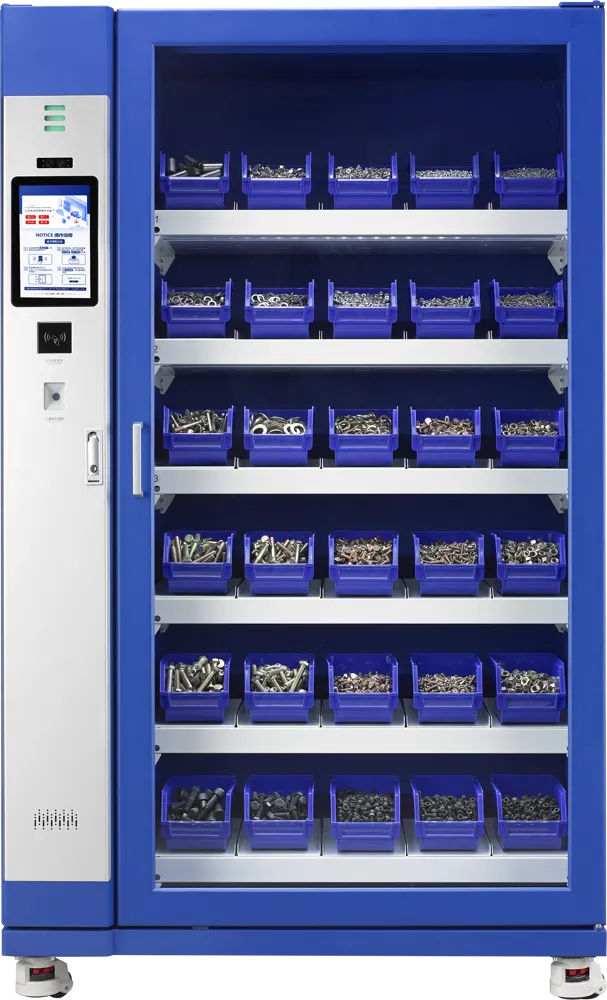
01 / From weight to insight
More than a standalone count.
One connected process.
The system measures changes in weight. Using the configured item data, these changes are converted into stock records.
Access starts
with the user.
At the W60-30, users identify themselves with a card, facial recognition or a code. The door then opens for material withdrawal.
Operation and available features vary by model and configuration.
02 / On the shop floor
Take what you need.
Let the records follow.
A clear process for the user. A recorded material movement for the organisation.
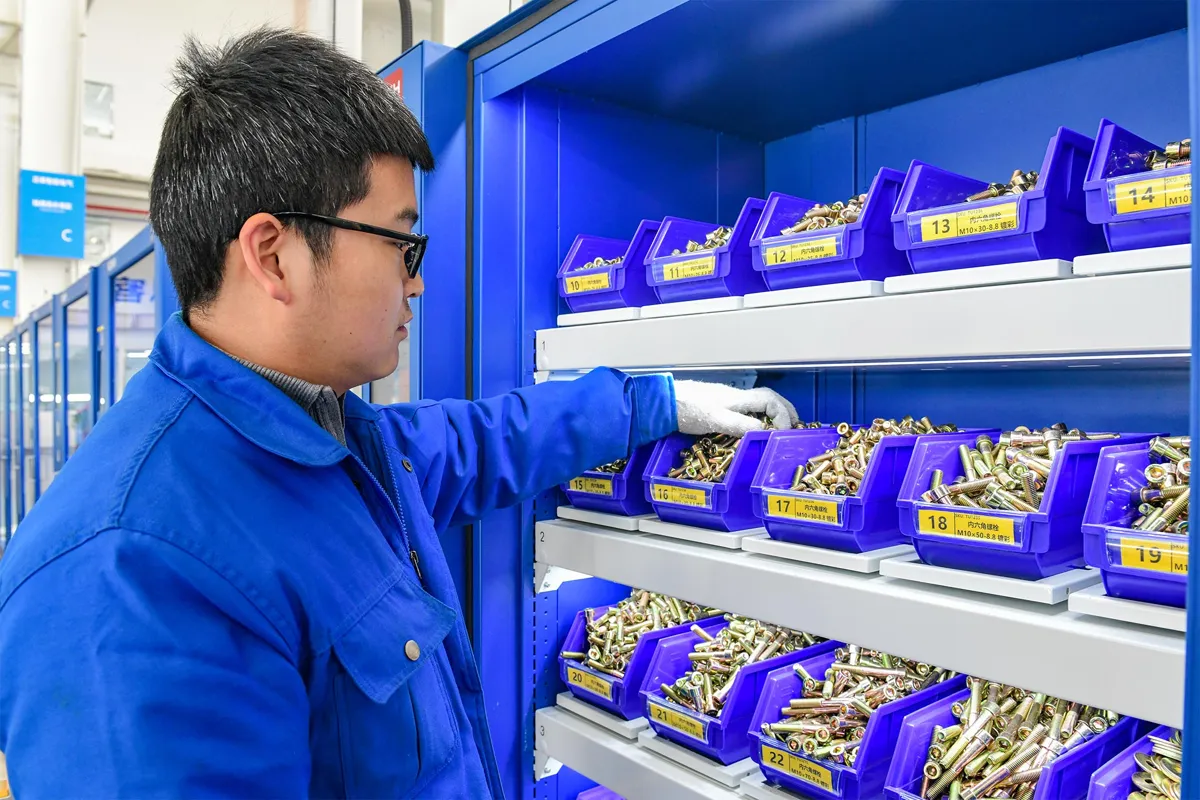
Identify
Verify your card at the system.
Withdraw
Open the door and take the material.
Close
Close the door after withdrawal.
Confirm
Check and confirm the transaction.
W60-30 workflow. Configuration is tailored to your items and operating process.
03 / The right design
Your material flow.
Your SmartWeight.
From cabinet to open shelving. Select a model to view its design; we determine the final configuration together.
Closed cabinet
W60-30
For frequently used parts in a closed cabinet: withdraw behind one door, record by weight.
- Dimensions · H × W × D
- 1940 × 1160 × 610 mm
- Connectivity
- 4G / WiFi
All technical specifications
- Weighing accuracy
- 5 g with stable placement
- Load per weighing position
- Up to 15 kg in use
- Sensor range
- 0–20 kg
- Machine weight
- Max. 300 kg
- Power supply
- 165–268 V AC
- Power rating
- 50 W
Load and item suitability are assessed for each position. We confirm the design and identification method during configuration.
04 / Connected by Selecore
The cabinet records.
Cloud connects.
Bring inventory, users and transactions together in one management environment. Turn material movements into useful insight.
Discover Selecore Cloud Platform ↗Availability depends on configuration and software setup.
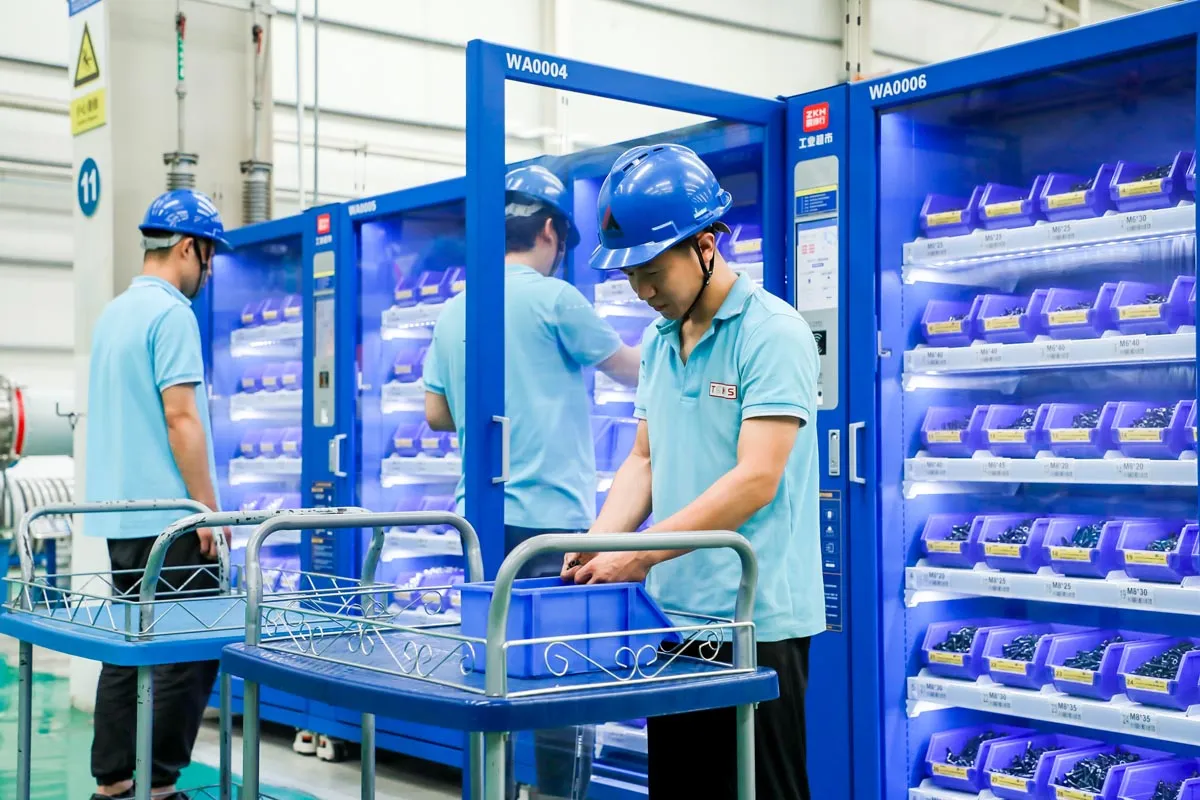
05 / Where materials move
Close to the work.
Close to where it is needed.
For frequently used materials in production, assembly and maintenance. Together, we assess the suitability of your items.
Item weight, packaging, placement and calibration determine the suitable application.
06 / Good to know
From interest
to the right choice.
Is every item suitable for a SmartWeight System?
We assess this for each item and design. Weight, weight variation, packaging and system layout all play a role. A material test helps determine the right configuration.
Do all models have a door and their own touchscreen?
No. The SmartWeight family includes different designs. The card, door and touchscreen workflow shown applies to the W60-30; other models may be configured differently.
How is the system prepared for use?
The W60-30 requires stable placement, a network check and taring of empty bins, among other steps. Installation and item configuration are planned together.
Which design suits our organisation?
We start with your items, the number of users and the workplace. We then determine the appropriate storage format, identification method and software setup.
Your next step
Let your materials
be the starting point.
Explore with us which SmartWeight design suits your inventory and workflow.
Book a demo ↗